Enigma OS Documentation
Fully-configurable in-world control surface for VRChat
Project maintained by Cozen-Official Hosted on GitHub Pages — Theme by mattgraham
Custom Controllers
You are more than welcome to design your own controllers or modify the included prefabs!
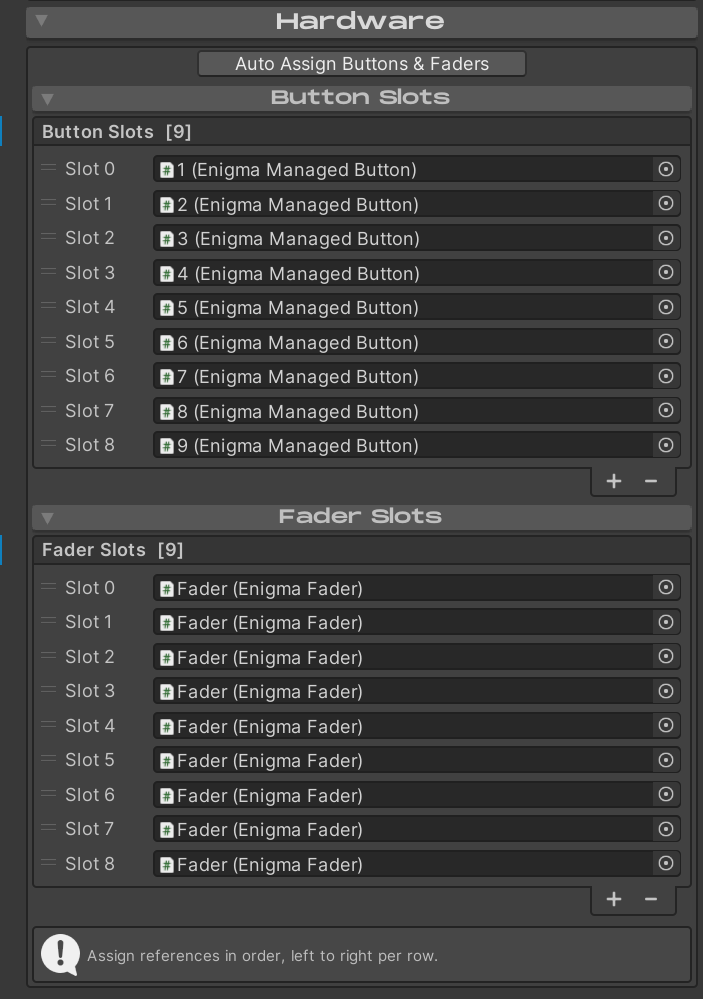
Enigma OS supports any number of buttons / faders. Assign these in the Hardware foldout. You can click “Auto-Assign Buttons & Faders” to quickly assign all buttons/faders nested under the Buttons and Faders child objects. You should assign these in order as they are physically in the scene, top-to-bottom, left-to-right per row.
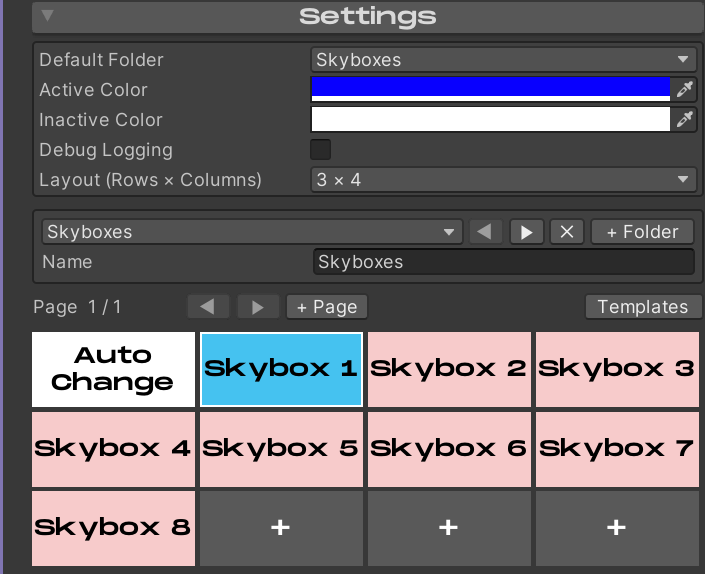
You can adjust the Button Grid in the Enigma OS editor to match the physical layout you create by using the Layout dropdown in the Settings foldout. In this example, I am using 12 buttons with 3 rows of 4 buttons.